 Firefox
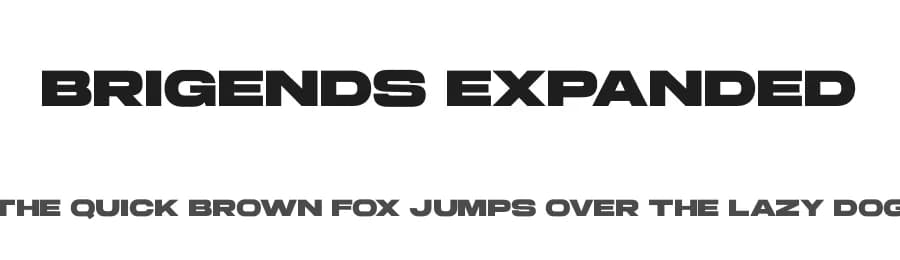 1 / 3
1 / 3Loading font…
About Brigends Expanded Font
By installing or using this font, you are agree to the Product Usage Agreement:
ENGLISH :
This font is DEMO VERSION and ONLY FOR PERSONAL USE. If you want to use this font for COMMERCIAL.
You need a commercial license that can be purchased here:
https://multypestudio.com/brigends-expanded-font/
If you need a CUSTOM LICENSE or CORPORATE LICENSE please contact us at:
[email protected]
Any donation are very appreciated. Paypal account for donation :
https://paypal.me/multypestudio
Follow our instagram for update : @multypestudio
All forms of use of fonts without buying a
license first must comply with our terms of completing
purchases for commercial purposes and will
be subject to a Corporate License
Thank you
-----------------------------------------------------------------------------------
-----------------------------------------------------------------------------------
INDONESIA - MOHON DIBACA
Font ini DEMO VERSION dan hanya untuk penggunaan PERSONAL SAJA .
Font demo ini hanya dapat digunakan untuk keperluan "Personal Use"/kebutuhan pribadi, atau untuk keperluan yang sifatnya tidak "komersil", alias tidak menghasilkan profit atau keuntungan dari hasil memanfaatkan/menggunakan font kami.
More...
Baik itu untuk individu, Agensi Desain Grafis, Percetakan, Distro atau Perusahaan/Korporasi.
Lisensi bisa anda beli di :
https://multypestudio.com/brigends-expanded-font/
Semua bentuk penggunaan font dengan tujuan menghasilkan profit/keuntungan, tanpa membeli lisensi terlebih dahulu adalah sebuah pelanggaran.
Maka akan kami kenakan Corporate License / Lisensi Perusahaan.
Informasi tentang Lisensi apa yang akan anda perlukan, silahkan menghubungi kami di:
[email protected]
Terimakasih
Style & Use Cases
- Overall Style
- Clean, Modern, Basic
- Use Case
- Body Text, UI
- Ideal For
- branding, interfaces, and modern layouts
- Pairs With
- a contrasting serif for headings
Similar Fonts
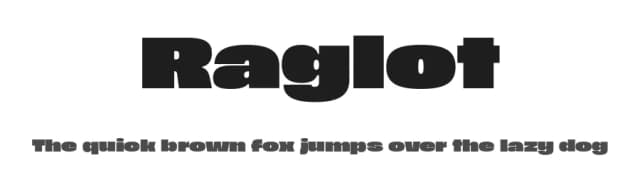
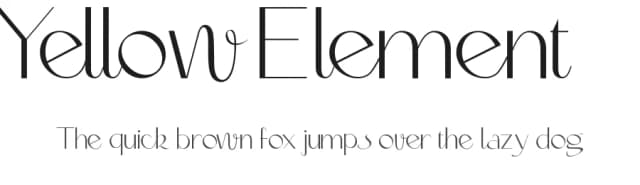
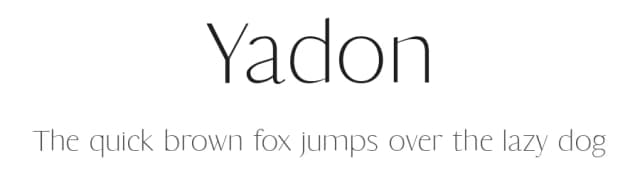
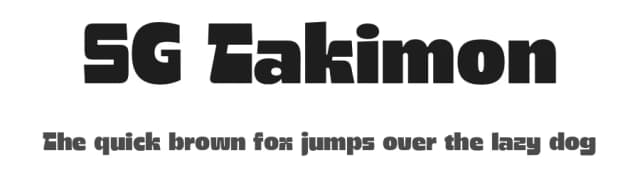
Fonts that look visually alike — matched by our Font Finder model.

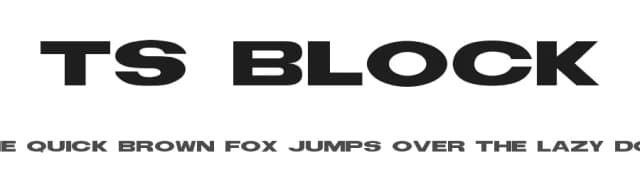


Brigends Expanded Specifications
| Font Family | Brigends Expanded |
| Style | Regular |
| Full Name | Brigends Expanded |
| Version | 1.00 |
| Weight | 400 (Regular) |
| Glyph Count | 242 glyphs |
| PostScript Name | BrigendsExpanded |
| Designer | Mulia Yanto |
| Format | OTF (CFF) |
| File Size | 117.5 KB |
Languages Supported
Brigends Expanded supports 224 languages.
How to Install Brigends Expanded Font
Step-by-step instructions for every platform
- 1Download the Brigends Expanded font file (.ttf or .otf).
- 2Locate the downloaded file in your Downloads folder.
- 3Right-click the font file.
- 4Select "Install" to install for the current user, or "Install for all users" to make it available system-wide.
- 5Brigends Expanded is now available in Word, Photoshop, Illustrator, and all other apps.
More by Multype Studio
View all →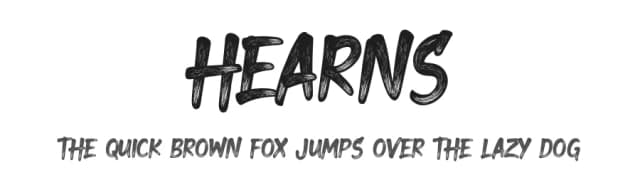
Browse fonts by theme
Curated collections →Saw a font in a picture? Identify any font from an image with our free Font Finder.
More Sans Serif Fonts
Browse all →
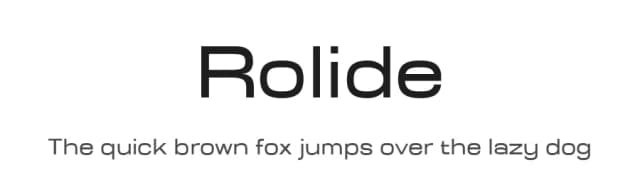
What pairs well with Brigends Expanded Font?
Brigends Expanded Font is a versatile sans-serif font that works for both headings and body text. Pair it with a contrasting serif or slab serif font to add visual interest and a clear distinction between titles and body copy.


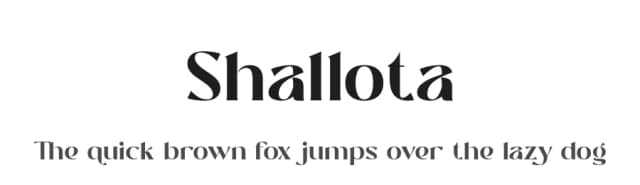

Premium Sans Serif Fonts
★ PremiumWant something with more weights, glyphs, and commercial polish? These premium sans serif fonts are worth a look.


Brigends Expanded Font
Reviewed by the FontBoxDL team · Updated June 2026
License: Free for personal use