 Firefox
 1 / 4
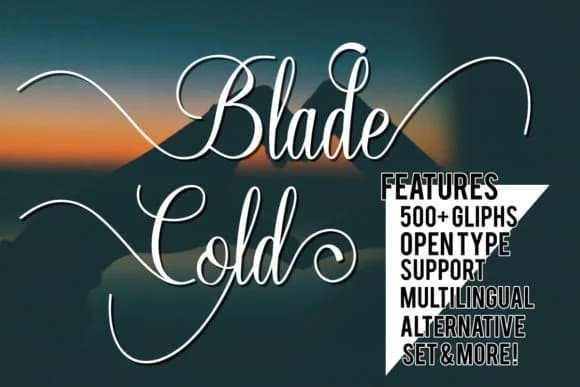
1 / 4About Blade Cold Font
Blade Cold Font, designed by Great's St, pairs sharp, angular letterforms with the warmth of a handwritten script. Each letter feels personal and connected while maintaining the kind of readability that doesn't fade when you're reading quickly. This typeface doesn't force you to choose between clarity and personality. Extensive ligatures handle natural letter connections smoothly, and broad language support means you can use it across different projects and geographic markets.
This script excels on wedding invitation suites, where you need that balance between elegance and personality couples actually care about. It works beautifully on product labels for Etsy sellers and boutique skincare brands, adding the handcrafted quality that signals real attention to detail. Social media graphics gain real presence with this typeface, and the sharpness keeps it from getting lost at small sizes. Small business owners return to it regularly for logo design work, particularly in lifestyle and artisan categories. Craft enthusiasts and DIY practitioners use it constantly for personalized greeting cards, thank you cards, and handmade packaging labels. Sharp yet flowing letterforms create contemporary typography without the coldness of purely mechanical design.
Brands needing genuine personality and warmth in their visual language fit this font perfectly. Grab Blade Cold Font on Creative Fabrica to start using it in your work.
Style & Use Cases
- Overall Style
- Elegant, Flowing, Blade Cold
- Use Case
- Invitations, Branding
- Ideal For
- wedding stationery, greeting cards, and signatures
- Pairs With
- a simple uppercase sans
How to Install Blade Cold Font Font
Step-by-step instructions for every platform
- 1Download the Blade Cold Font font file (.ttf or .otf).
- 2Locate the downloaded file in your Downloads folder.
- 3Right-click the font file.
- 4Select "Install" to install for the current user, or "Install for all users" to make it available system-wide.
- 5Blade Cold Font is now available in Word, Photoshop, Illustrator, and all other apps.
More by Great's St
View all →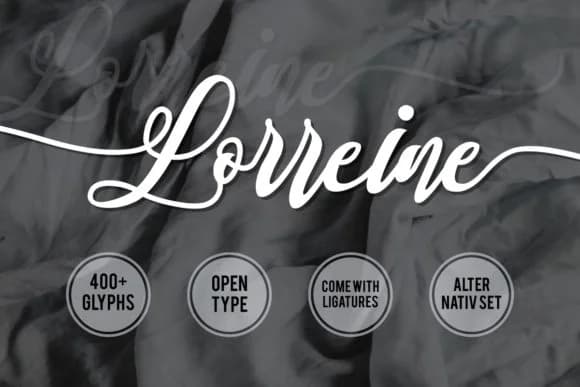
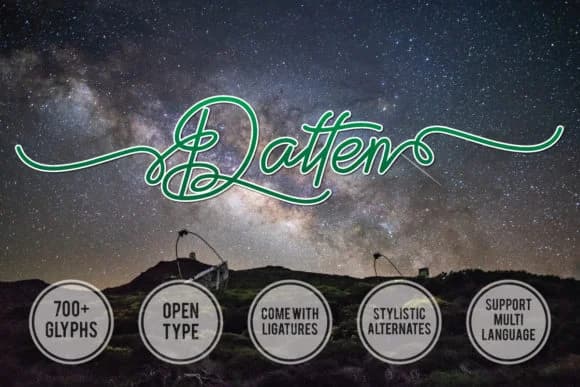
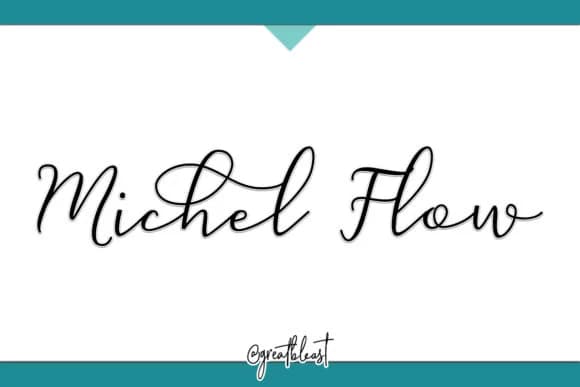

Browse fonts by theme
Curated collections →Saw a font in a picture? Identify any font from an image with our free Font Finder.
More Script Handwritten Fonts
Browse all →







What pairs well with Blade Cold Font?
Blade Cold Font is a script font that shines as a display or heading face. Pair it with a clean sans-serif or serif font for body text — the contrast creates a clear hierarchy while the two styles stay balanced and easy to read.



Blade Cold Font
by Great's St
Reviewed by the FontBoxDL team · Updated August 2026