 Firefox
 1 / 9
1 / 9About Binetta Signature Font
The letterforms flow with organic grace and personal warmth, creating intimate character that stands out from rigid typefaces. Binetta Signature Font by Hanzel Studio captures this handwritten-style quality refined for contemporary design work. The strokes feel genuine and approachable, striking that balance between elegance and accessibility that makes signature scripts so versatile.
This script shines across multiple project categories and settings. Wedding invitation suites gain an air of elegance and personal touch that couples genuinely appreciate, while personal branding and logo design benefit from the refined, friendly feel that signature lettering provides. Small business owners love using it for boutique cosmetics packaging and handmade product labels destined for Etsy or independent retail. Event materials like custom greeting cards and thank-you notes feel thoughtfully designed when paired with this typeface. The font includes multiple weights and stylistic alternates, giving you flexibility to create visual emphasis while maintaining consistency across your work.
Binetta suits designers and entrepreneurs who want their work to feel genuinely handcrafted rather than mass-produced. Find it on Creative Fabrica and bring that authentic signature quality to your next project.
Style & Use Cases
- Overall Style
- Elegant, Flowing, Binetta Signature
- Use Case
- Invitations, Branding
- Ideal For
- wedding stationery, greeting cards, and signatures
- Pairs With
- a simple uppercase sans
How to Install Binetta Signature Font Font
Step-by-step instructions for every platform
- 1Download the Binetta Signature Font font file (.ttf or .otf).
- 2Locate the downloaded file in your Downloads folder.
- 3Right-click the font file.
- 4Select "Install" to install for the current user, or "Install for all users" to make it available system-wide.
- 5Binetta Signature Font is now available in Word, Photoshop, Illustrator, and all other apps.
More by Hanzel Studio
View all →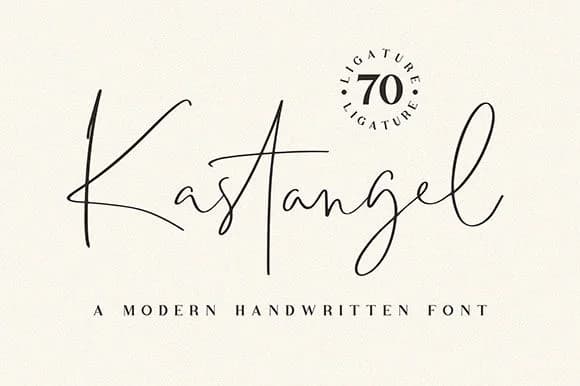

Browse fonts by theme
Curated collections →Saw a font in a picture? Identify any font from an image with our free Font Finder.
More Script Handwritten Fonts
Browse all →







What pairs well with Binetta Signature Font?
Binetta Signature Font is a script font that shines as a display or heading face. Pair it with a clean sans-serif or serif font for body text — the contrast creates a clear hierarchy while the two styles stay balanced and easy to read.



Binetta Signature Font
Reviewed by the FontBoxDL team · Updated September 2026