 Firefox
 1 / 7
1 / 7About Bezitha Glare Font
This script carries a rebellious edge that feels handcrafted and raw. Bezitha Glare by Pineungtype & Missinklab is a rough-hewn handwritten typeface that brings authentic character to bold design work.
The authentic irregularities make it ideal for vintage beer label designs, handmade greeting card lettering, and boutique packaging that wants to feel personal rather than polished and corporate. Band merchandise, event posters, and DIY signage all benefit from its gritty confidence. Tattoo flash sheets, coffee shop menus, and custom t-shirt graphics come alive with this typeface's natural swagger and raw presence. Each letterform keeps its intentional imperfections, giving your projects a genuine, human-made quality that machine-perfect typefaces simply cannot match. The rough character pushes designers toward bold decisions that move beyond safe, predictable typography and actually say something real.
Pair this with a clean minimalist sans-serif for secondary text, letting Bezitha Glare command attention as your primary headline or display element. Its irregular baseline and variable stroke weight create a tactile, almost hand-drawn feel even on screen, making every application feel distinctive and vibrant. Rough edges, irregular spacing, and natural inconsistencies are features here, not flaws. If you want a typeface that looks genuinely handmade and meant to stay that way, Creative Fabrica is where to grab it.
Style & Use Cases
- Overall Style
- Elegant, Flowing, Bezitha Glare
- Use Case
- Invitations, Branding
- Ideal For
- wedding stationery, greeting cards, and signatures
- Pairs With
- a simple uppercase sans
How to Install Bezitha Glare Font Font
Step-by-step instructions for every platform
- 1Download the Bezitha Glare Font font file (.ttf or .otf).
- 2Locate the downloaded file in your Downloads folder.
- 3Right-click the font file.
- 4Select "Install" to install for the current user, or "Install for all users" to make it available system-wide.
- 5Bezitha Glare Font is now available in Word, Photoshop, Illustrator, and all other apps.
More by Pineungtype & Missinklab
View all →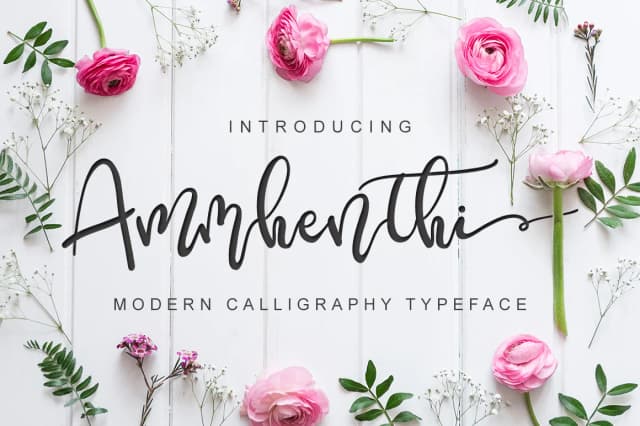
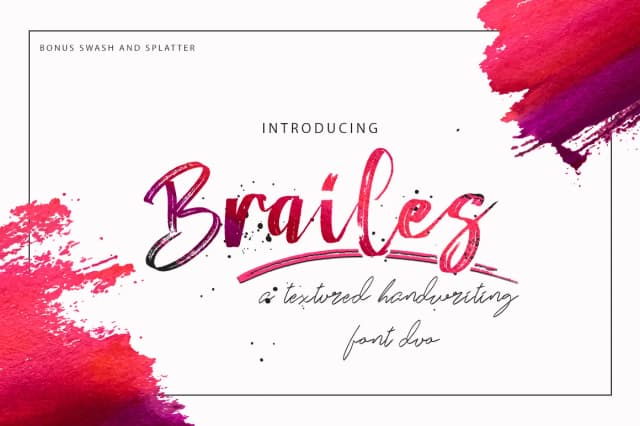
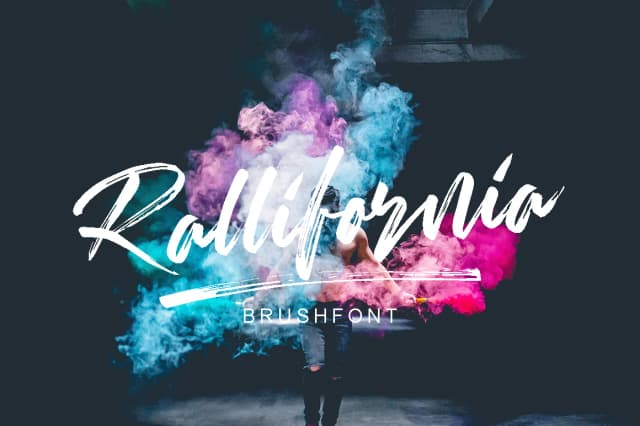
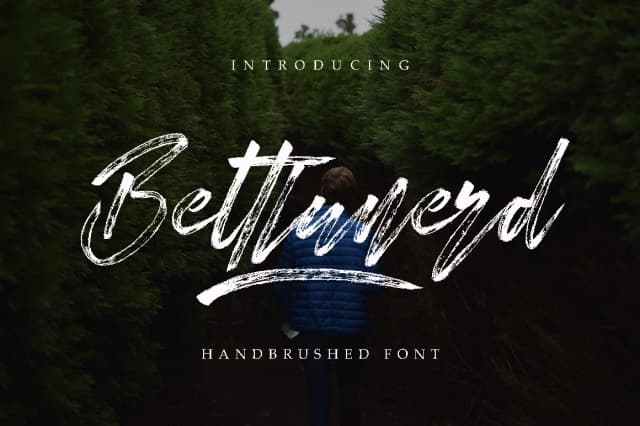
Browse fonts by theme
Curated collections →Saw a font in a picture? Identify any font from an image with our free Font Finder.
More Script Handwritten Fonts
Browse all →







What pairs well with Bezitha Glare Font?
Bezitha Glare Font is a script font that shines as a display or heading face. Pair it with a clean sans-serif or serif font for body text — the contrast creates a clear hierarchy while the two styles stay balanced and easy to read.



Bezitha Glare Font
Reviewed by the FontBoxDL team · Updated August 2026