 Firefox
 1 / 8
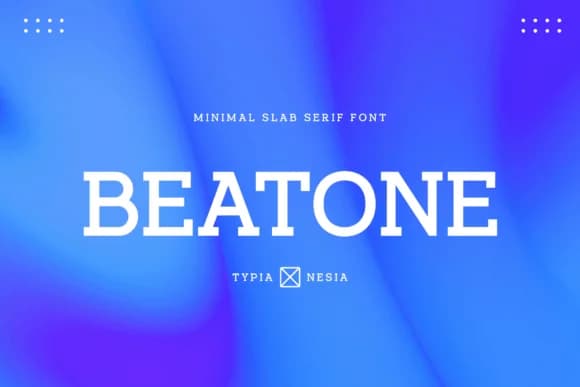
1 / 8About Beatone Font
You're designing a visual identity for a tech startup and need a typeface that reads as forward-thinking yet deeply grounded. Beatone, designed by Typia Nesia, is a slab-serif built for exactly this kind of foundational work. Its geometric clarity and confident stroke weight shine in projects where you need both substance and modernity sitting together. The minimalist construction strips away everything unnecessary, leaving pure, functional letterforms that perform equally well at small sizes and on large, commanding displays.
You'll find it working beautifully in esports team logos and startup pitch decks, in music streaming app interfaces that feel current without chasing every design trend. Boutique tech packaging, sports brand identities with real authority, and editorial layouts where typography carries genuine weight all benefit from what this brings to the table. The slab-serif structure provides enough personality to stand out in minimal design systems while maintaining the legibility that digital interfaces and product labels demand. Multiple weights let you move fluidly from body text to display headlines without hunting for a companion typeface.
Grab Beatone on Creative Fabrica and add a grounded, modern slab-serif to your toolkit.
Style & Use Cases
- Overall Style
- Sturdy, Confident, Modern
- Use Case
- Headlines, Merch
- Ideal For
- vintage posters, logos, and product packaging
- Pairs With
- a light sans-serif
How to Install Beatone Font
Step-by-step instructions for every platform
- 1Download the Beatone font file (.ttf or .otf).
- 2Locate the downloaded file in your Downloads folder.
- 3Right-click the font file.
- 4Select "Install" to install for the current user, or "Install for all users" to make it available system-wide.
- 5Beatone is now available in Word, Photoshop, Illustrator, and all other apps.
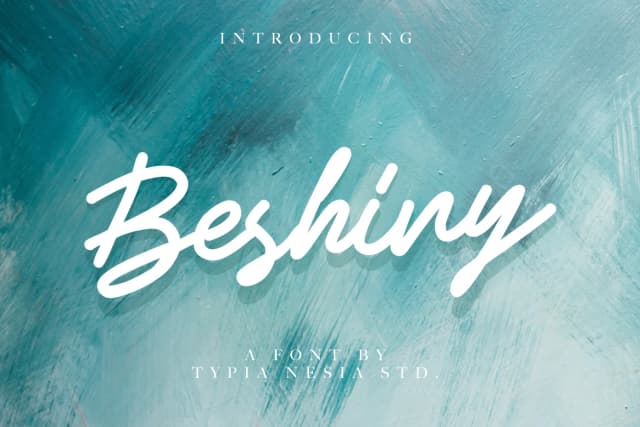
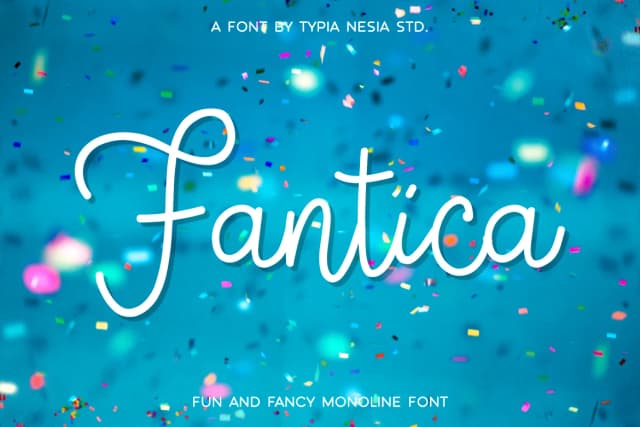
More by Typia Nesia
View all →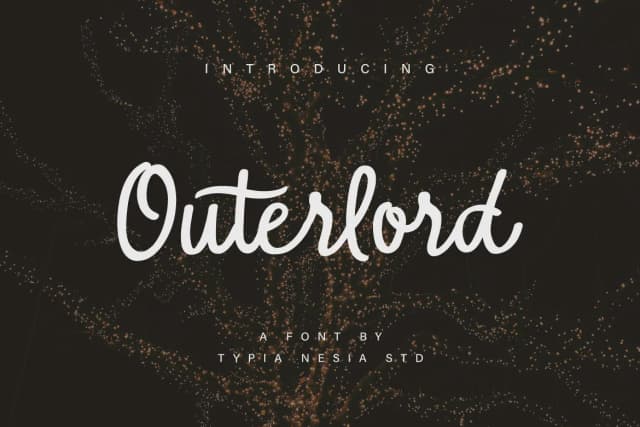
Browse fonts by theme
Curated collections →Saw a font in a picture? Identify any font from an image with our free Font Finder.
More Slab Serif Fonts
Browse all →







What pairs well with Beatone Font?
Beatone Font is a slab serif font that shines as a display or heading face. Pair it with a clean sans-serif or serif font for body text — the contrast creates a clear hierarchy while the two styles stay balanced and easy to read.



Beatone Font
by Typia Nesia
Reviewed by the FontBoxDL team · Updated September 2026