 Firefox
 1 / 6
1 / 6About Baby Elysa Font
Baby Elysa by Typia Nesia is a flowing handwritten script that captures the warmth of human letterforms without sacrificing legibility or visual polish. The letters move with natural rhythm, avoiding both the mechanical stiffness of rigid calligraphy and the illegibility that plagues overly decorative scripts. It strikes that difficult balance between personality and restraint.
This font thrives in contexts where you need a voice that feels personal and genuine. Wedding invitation suites benefit immediately from its casual elegance, which signals craftsmanship and care without crossing into formal or fussy territory. The same quality serves luxury skincare and boutique beauty packaging beautifully, where minimal branding demands every single element carry weight. Etsy product labels and handmade business cards gain instant character from its flowing letterforms, while custom greeting cards, event stationery, and small-batch packaging all benefit from that unmistakable handcrafted feeling. Even at smaller sizes, the design maintains clarity and resists the muddiness that kills legibility in dense applications or tight layouts. The script proves forgiving enough for designers still developing their hand-lettering eye, yet carries enough refinement to anchor a complete brand identity system. It translates well across digital and print contexts without losing its fundamental character or voice.
Grab Baby Elysa from Creative Fabrica and bring authentic handwritten character to your work.
Style & Use Cases
- Overall Style
- Elegant, Flowing, Baby Elysa
- Use Case
- Invitations, Branding
- Ideal For
- wedding stationery, greeting cards, and signatures
- Pairs With
- a simple uppercase sans
How to Install Baby Elysa Font Font
Step-by-step instructions for every platform
- 1Download the Baby Elysa Font font file (.ttf or .otf).
- 2Locate the downloaded file in your Downloads folder.
- 3Right-click the font file.
- 4Select "Install" to install for the current user, or "Install for all users" to make it available system-wide.
- 5Baby Elysa Font is now available in Word, Photoshop, Illustrator, and all other apps.
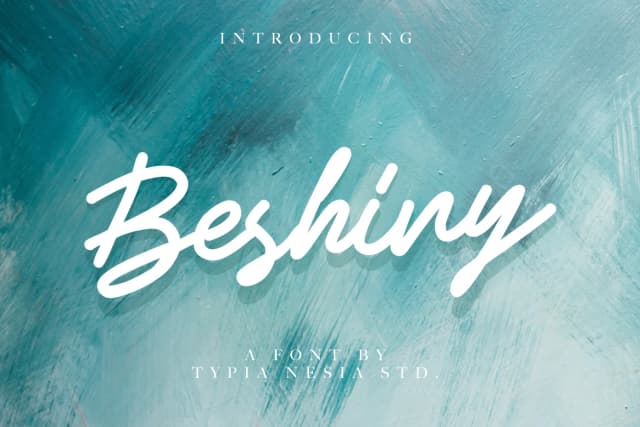
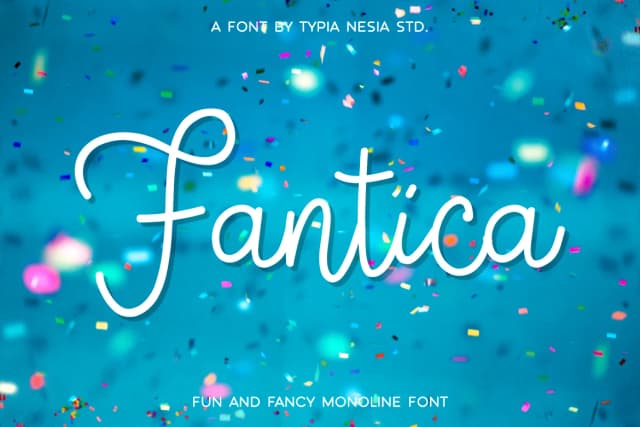
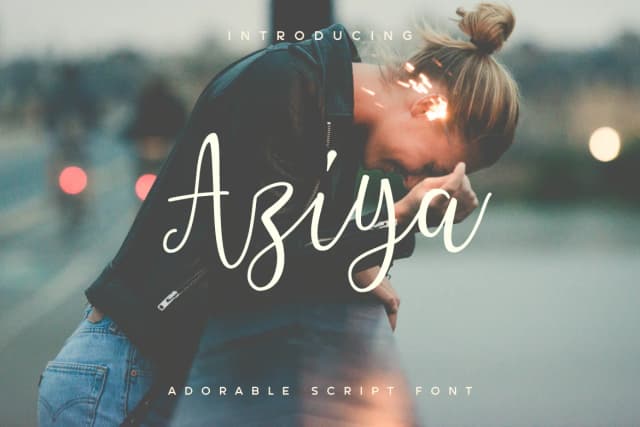
More by Typia Nesia
View all →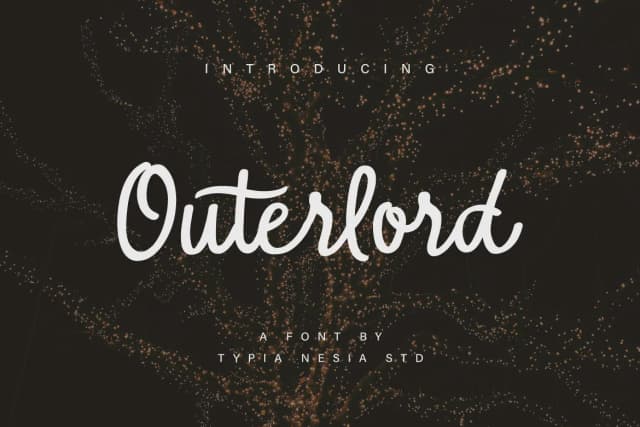
Browse fonts by theme
Curated collections →Saw a font in a picture? Identify any font from an image with our free Font Finder.
More Script Handwritten Fonts
Browse all →







What pairs well with Baby Elysa Font?
Baby Elysa Font is a script font that shines as a display or heading face. Pair it with a clean sans-serif or serif font for body text — the contrast creates a clear hierarchy while the two styles stay balanced and easy to read.



Baby Elysa Font
by Typia Nesia
Reviewed by the FontBoxDL team · Updated September 2026