 Firefox
 1 / 3
1 / 3Loading font…
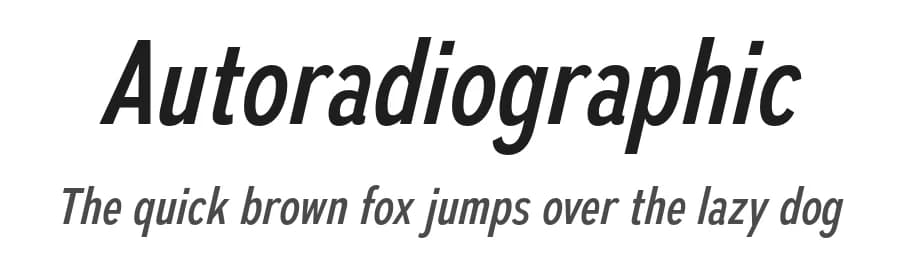
About Autoradiographic Font
Autoradiographic captures the utilitarian spirit of mid-century American lettering with a modern edge. Its condensed sans forms, square-ended, tightly built, and subtly curved, evoke stenciled lab doors and industrial signage from the atomic age. Five weights with italics provide range from precise labeling to bold display use, while the italics bring a hand-painted confidence rather than classical slant. Clear numerals and sturdy symbols echo vintage data plates, giving text an authentic, functional tone. Designed for designers who appreciate postwar grit and modern polish, Autoradiographic delivers sharp, timeless industrial character.
These fonts include a license that allows free commercial use: sometimes referred to as a desktop license. This allows you to install the fonts on a computer and use them to create posters, web graphics, game graphics, t-shirts, videos, signs, logos and more. Read the license agreement for details. If you'd like to embed these fonts in an app, on the web or anything that's not covered by the desktop license agreement, visit the link below. You'll find distributors who offer different types of licenses, or you can contact me for help.
https://typodermicfonts.com/autoradiographic
Style & Use Cases
- Overall Style
- Clean, Modern, Basic
- Use Case
- Body Text, UI
- Ideal For
- branding, interfaces, and modern layouts
- Pairs With
- a contrasting serif for headings


Autoradiographic Specifications
| Font Family | Autoradiographic Rg |
| Style | Italic |
| Full Name | AutoradiographicRg-Italic |
| Version | 1.000 |
| Weight | 400 (Regular) |
| Glyph Count | 536 glyphs |
| PostScript Name | AutoradiographicRg-Italic |
| Designer | Ray Larabie |
| Format | OTF (CFF) |
| File Size | 83.9 KB |
OpenType Features
Autoradiographic ships with 3 OpenType features you can switch on in apps that support them (Illustrator, InDesign, Affinity, Figma, CSS font-feature-settings).
- Fractions
- Scientific inferiors
- Superscripts
Languages Supported
Autoradiographic supports 303 languages.
How to Install Autoradiographic Font
Step-by-step instructions for every platform
- 1Download the Autoradiographic font file (.ttf or .otf).
- 2Locate the downloaded file in your Downloads folder.
- 3Right-click the font file.
- 4Select "Install" to install for the current user, or "Install for all users" to make it available system-wide.
- 5Autoradiographic is now available in Word, Photoshop, Illustrator, and all other apps.
More by Typodermic Fonts
View all →
Browse fonts by theme
Curated collections →Saw a font in a picture? Identify any font from an image with our free Font Finder.
More Sans Serif Fonts
Browse all →

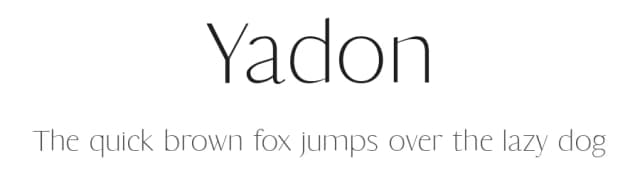
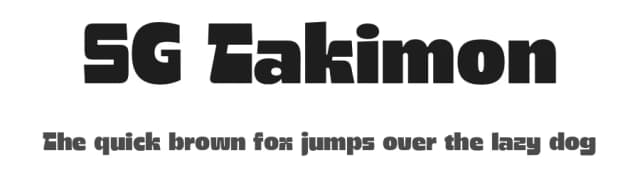
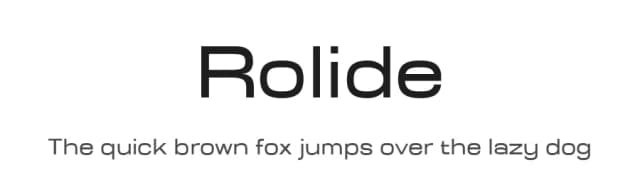
What pairs well with Autoradiographic Font?
Autoradiographic Font is a versatile sans-serif font that works for both headings and body text. Pair it with a contrasting serif or slab serif font to add visual interest and a clear distinction between titles and body copy.


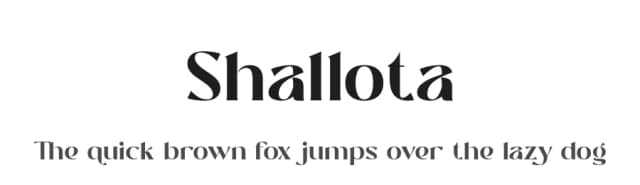

Premium Sans Serif Fonts
★ PremiumWant something with more weights, glyphs, and commercial polish? These premium sans serif fonts are worth a look.


Autoradiographic Font
Reviewed by the FontBoxDL team · Updated June 2026
License: 100% Free