 Firefox
 1 / 8
1 / 8About Arlistan Font
You're designing a wedding invitation suite and want something that feels genuinely personal without screaming "script font." Arlistan Font from Aqeela Studio hits exactly what you need. The rounded, flowing swashes and playful details create something warm and organic, skillfully sidestepping the overly polished look that typical script fonts can suffer from.
This font excels at wedding invitations and invitation suites, greeting cards that demand real personality, cosmetic and skincare packaging labels where elegance and warmth count together, and event stationery. The rounded swashes hold up beautifully at larger sizes, which matters when legibility needs to meet visual character on packaging and signage. Those playful details also work for DIY craft projects and handmade product labels on Etsy and similar platforms, where customers genuinely appreciate authentic hand-drawn touches. What really sets Arlistan apart is its ability to feel like natural, personal handwriting without the inconsistency that makes genuine handwriting hard to read in bulk applications. Letters and combinations vary naturally throughout, so invitation suites and product packaging batches don't look mechanically stamped out or repetitive. You'll find Arlistan on Creative Fabrica, where it's ready to add warmth and personality to whatever project you're building next.
Style & Use Cases
- Overall Style
- Elegant, Flowing
- Use Case
- Invitations, Branding
- Ideal For
- wedding stationery, greeting cards, and signatures
- Pairs With
- a simple uppercase sans
How to Install Arlistan Font Font
Step-by-step instructions for every platform
- 1Download the Arlistan Font font file (.ttf or .otf).
- 2Locate the downloaded file in your Downloads folder.
- 3Right-click the font file.
- 4Select "Install" to install for the current user, or "Install for all users" to make it available system-wide.
- 5Arlistan Font is now available in Word, Photoshop, Illustrator, and all other apps.
More by Aqeela Studio
View all →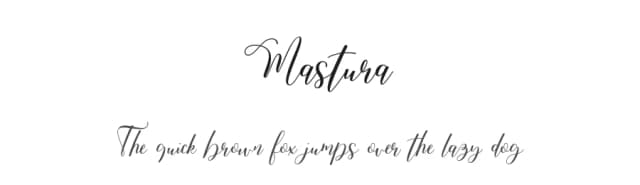
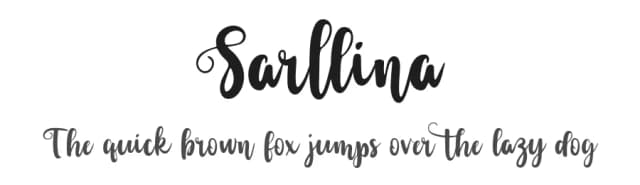
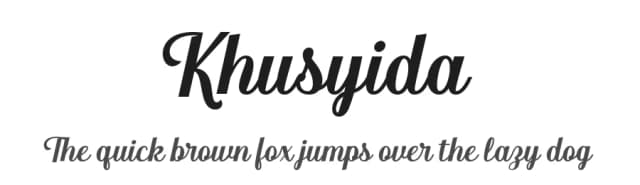
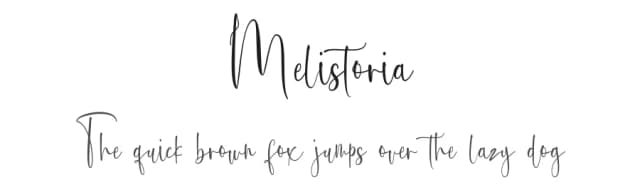
Browse fonts by theme
Curated collections →Saw a font in a picture? Identify any font from an image with our free Font Finder.
More Script Handwritten Fonts
Browse all →







What pairs well with Arlistan Font?
Arlistan Font is a script font that shines as a display or heading face. Pair it with a clean sans-serif or serif font for body text — the contrast creates a clear hierarchy while the two styles stay balanced and easy to read.



Arlistan Font
Reviewed by the FontBoxDL team · Updated September 2026