
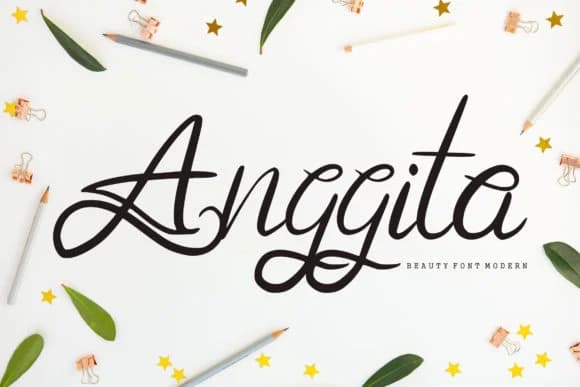
 1 / 5
1 / 5About Anggita Font by Vunira Font
This typeface carries genuine warmth without sacrificing polish or professionalism. Anggita, by Vunira, is a script font that honors the raw, handwritten character people connect with while maintaining the refinement contemporary design demands. The balance between casual authenticity and sophisticated control is what distinguishes it among display scripts.
The letterforms move with natural rhythm, structured enough for reliable legibility but loose enough to preserve that sense of human touch. You'll see it shine brightest on wedding invitation suites where you want personality and warmth without formality feeling rigid or cold. It translates beautifully to cosmetic and skincare product packaging, where handwritten aesthetics communicate artisanal care and attention to detail. Boutique branding work, DIY craft and gift labels, and greeting card designs all benefit from the conversational warmth Anggita brings to the page. This is the typeface that signals genuine thoughtfulness rather than generic template defaults.
The real skill with handwritten scripts is knowing when to step back and let them be the star. Pair Anggita with a clean, neutral sans-serif for any body text or secondary information. That combination keeps your layouts readable while letting the script command attention as your focal point. Anggita is available on Creative Fabrica whenever you're ready to add it to your collection.
Style & Use Cases
- Overall Style
- Elegant, Flowing, Anggita
- Use Case
- Invitations, Branding
- Ideal For
- wedding stationery, greeting cards, and signatures
- Pairs With
- a simple uppercase sans
How to Install Anggita Font by Vunira Font
Step-by-step instructions for every platform
- 1Download the Anggita Font by Vunira font file (.ttf or .otf).
- 2Locate the downloaded file in your Downloads folder.
- 3Right-click the font file.
- 4Select "Install" to install for the current user, or "Install for all users" to make it available system-wide.
- 5Anggita Font by Vunira is now available in Word, Photoshop, Illustrator, and all other apps.
Browse fonts by theme
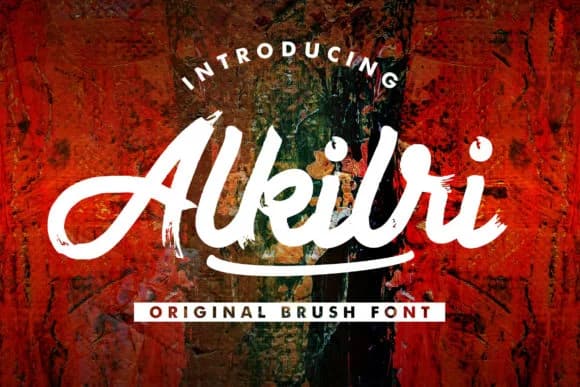
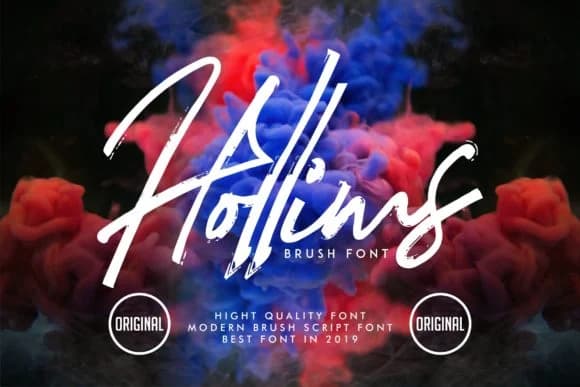
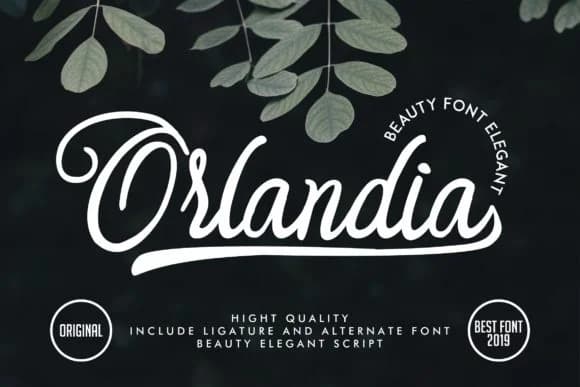
Curated collections →Saw a font in a picture? Identify any font from an image with our free Font Finder.
More Script Handwritten Fonts
Browse all →







What pairs well with Anggita Font by Vunira Font?
Anggita Font by Vunira Font is a script font that shines as a display or heading face. Pair it with a clean sans-serif or serif font for body text — the contrast creates a clear hierarchy while the two styles stay balanced and easy to read.



Anggita Font by Vunira Font
by Vunira
Reviewed by the FontBoxDL team · Updated August 2026