 Firefox
 1 / 8
1 / 8About Angelinatta Font
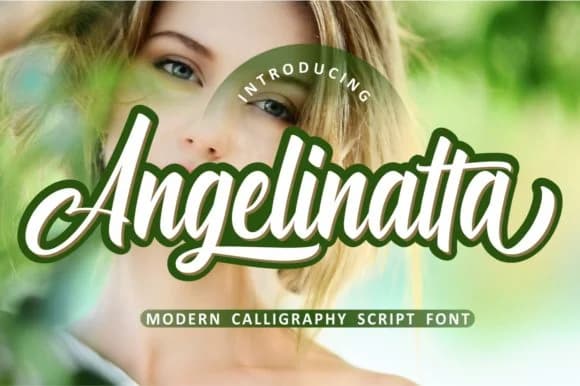
You're creating a wedding invitation suite and need a script that feels genuinely handmade without sacrificing readability. Angelinatta, designed by ahmadrofingi97, hits that sweet spot. Its flowing letterforms carry real confidence: they read as authentic handwriting, not digital simulation. That distinction matters when the goal is to feel personal rather than templated.
This script proves itself across practical projects. Small business owners use it for boutique product labels and logo design work where personality is non-negotiable. Social media content gains immediate lift when Angelinatta anchors a header or quote graphic on Instagram. Greeting card designs take on genuine warmth with it. Even DIY crafters reach for it on custom t-shirt designs and vinyl decals, where clean letterforms need to work reliably at different sizes.
The real strength is in how Angelinatta handles size variations. Many handwritten scripts turn muddy or unclear when enlarged, but this one stays crisp and readable whether anchoring a headline or filling smaller copy. That reliability makes it genuinely useful beyond being decorative. Grab it on Creative Fabrica and bring authentic character to your next project.
Style & Use Cases
- Overall Style
- Elegant, Flowing, Angelinatta
- Use Case
- Invitations, Branding
- Ideal For
- wedding stationery, greeting cards, and signatures
- Pairs With
- a simple uppercase sans
How to Install Angelinatta Font Font
Step-by-step instructions for every platform
- 1Download the Angelinatta Font font file (.ttf or .otf).
- 2Locate the downloaded file in your Downloads folder.
- 3Right-click the font file.
- 4Select "Install" to install for the current user, or "Install for all users" to make it available system-wide.
- 5Angelinatta Font is now available in Word, Photoshop, Illustrator, and all other apps.
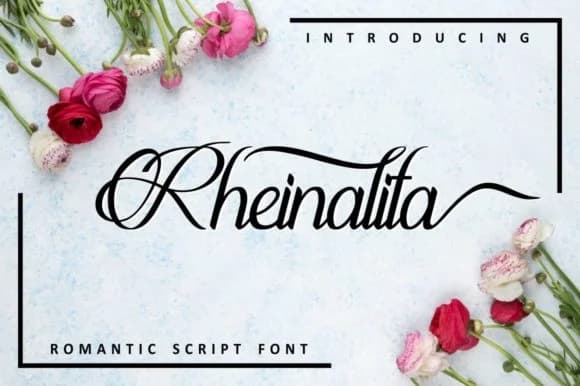
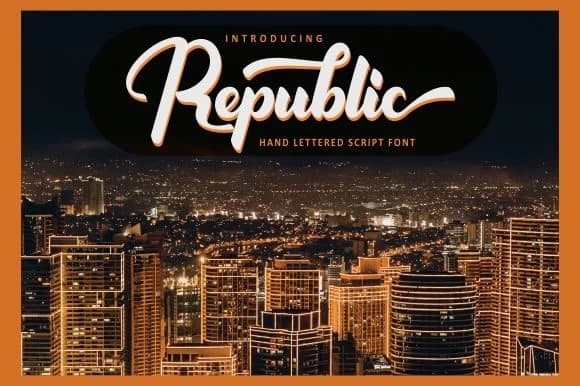
More by ahmadrofingi97
View all →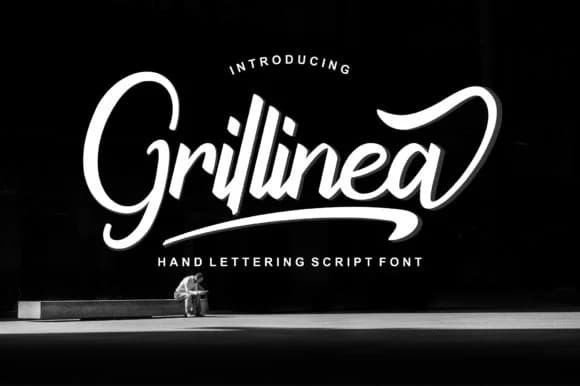
Browse fonts by theme
Curated collections →Saw a font in a picture? Identify any font from an image with our free Font Finder.
More Script Handwritten Fonts
Browse all →







What pairs well with Angelinatta Font?
Angelinatta Font is a script font that shines as a display or heading face. Pair it with a clean sans-serif or serif font for body text — the contrast creates a clear hierarchy while the two styles stay balanced and easy to read.



Angelinatta Font
Reviewed by the FontBoxDL team · Updated August 2026