 Firefox
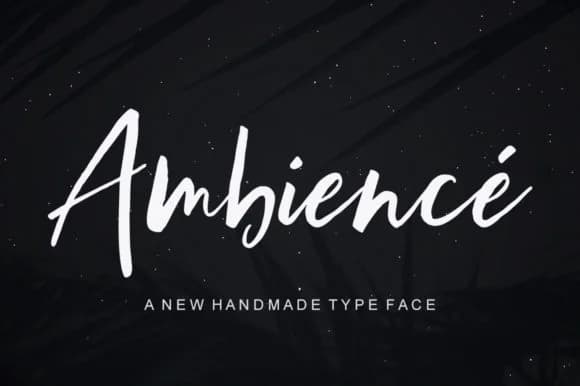 1 / 8
1 / 8About Ambience Font
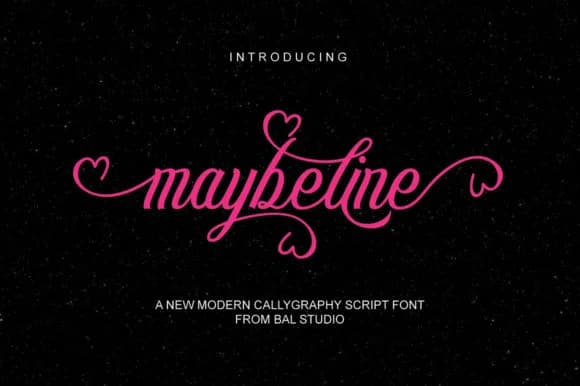
This script feels like watching ink flow across paper in real time. Ambience Font, designed by Bal Studio, manages something genuinely tricky: it's dramatic without being overwrought, expressive without sacrificing readability. The curves and letterforms move with natural grace, steering clear of the rigid, manufactured look that mars so many digital scripts. It occupies that rare sweet spot where handwritten charm and professional polish actually coexist rather than compete.
Ambience finds its strongest footing on wedding invitation suites where couples want personality to shine through the design, on artisan product labels where small brands compete for attention in boutique retail settings, and on luxury packaging for skincare or cosmetics brands demanding visual refinement. Custom stationery, personalized greeting cards, and DIY craft signs all gain real character from its balanced approach to flourish and structure. Pair it with a neutral, straightforward sans-serif for body text, using the script sparingly to maximize its impact and ensure your message lands with clarity.
The visual contrast between Ambience's flowing letterforms and straightforward supporting text creates natural hierarchy that works much harder across your layouts. Grab it from Creative Fabrica and let this font transform projects that need genuine personality backed by substance and restraint.
Style & Use Cases
- Overall Style
- Elegant, Flowing, Ambience
- Use Case
- Invitations, Branding
- Ideal For
- wedding stationery, greeting cards, and signatures
- Pairs With
- a simple uppercase sans
How to Install Ambience Font Font
Step-by-step instructions for every platform
- 1Download the Ambience Font font file (.ttf or .otf).
- 2Locate the downloaded file in your Downloads folder.
- 3Right-click the font file.
- 4Select "Install" to install for the current user, or "Install for all users" to make it available system-wide.
- 5Ambience Font is now available in Word, Photoshop, Illustrator, and all other apps.
More by Bal Studio
View all →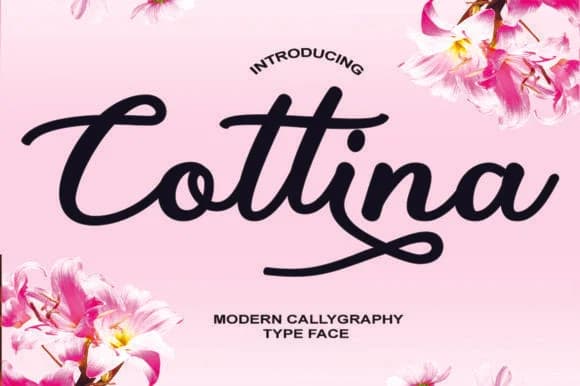
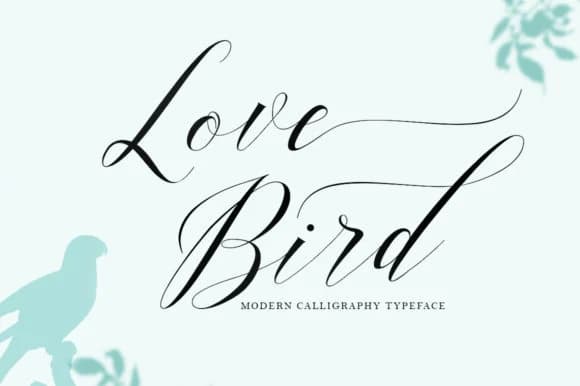
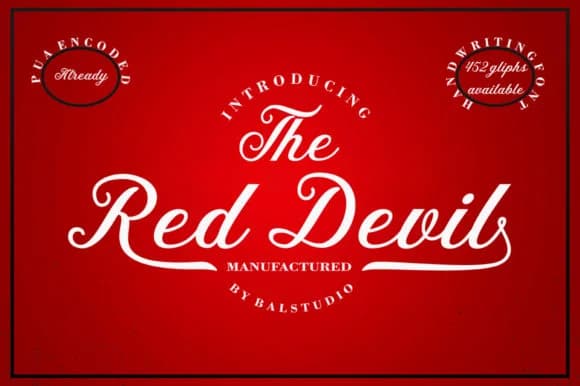
Browse fonts by theme
Curated collections →Saw a font in a picture? Identify any font from an image with our free Font Finder.
More Script Handwritten Fonts
Browse all →







What pairs well with Ambience Font?
Ambience Font is a script font that shines as a display or heading face. Pair it with a clean sans-serif or serif font for body text — the contrast creates a clear hierarchy while the two styles stay balanced and easy to read.



Ambience Font
by Bal Studio
Reviewed by the FontBoxDL team · Updated September 2026