 Firefox
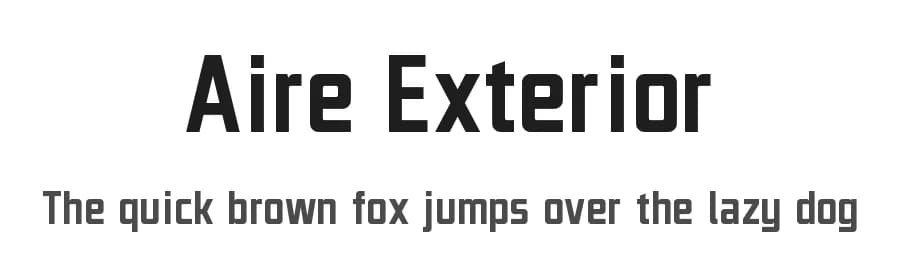 1 / 3
1 / 3Loading font…
About Aire Exterior Font
===| Description |===
Aire Exterior (translated to Outer Air in English) is a geometric sans serif typeface based on the title screen of the 1959 film Plan 9 from Outer Space, superseded from 2012 erroneous design Aero Matics, created with libre/free font editor software FontForge.
A source repository can be found on NotABug:
https://notabug.org/HarvettFox96/ttf-aireexterior/
===| Version release info |===
Version 20190503.02:
- Changed licence to SIL Open Font Licence (SIL OFL).
- Enlarged a (few letters with) lower diacritic.
- Horizontally stretched in a bit in all T letter related characters and Kazakh tenge (₸) sign.
- Loosen side bearings in a bit in all characters.
- Redesigned Ukranian hryvnia (₴) sign.
- Tweaked some other letter characters.
- Separated and updated two other kerning classes.
See version releases history for more details:
https://notabug.org/HarvettFox96/ttf-aireexterior/releases/
===| Donate |===
If you want to support me and my works, please donate via Bitcoin: 18KWDKsUVwQnJDzzbWdWUmHQ9iKK18NF8j
===| Copyright/attribution notice |===
© 2009-2019 Jayvee Enaguas (HarvettFox96).
Released under a libre/free licence as SIL Open Font Licence (SIL OFL) version 1.1. Applies to all worldwide countries. Proudly made in the Philippines.
Style & Use Cases
- Overall Style
- Clean, Modern, Basic
- Use Case
- Body Text, UI
- Ideal For
- branding, interfaces, and modern layouts
- Pairs With
- a contrasting serif for headings
Similar Fonts
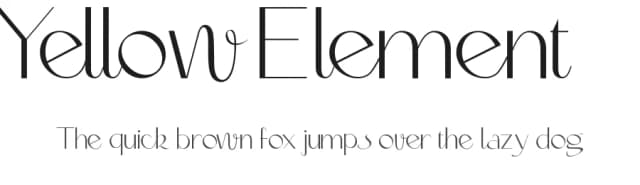
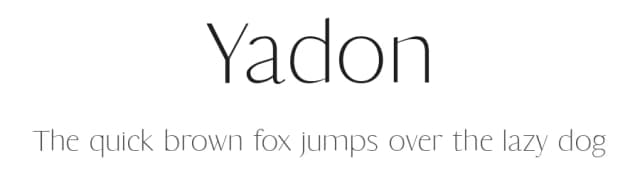
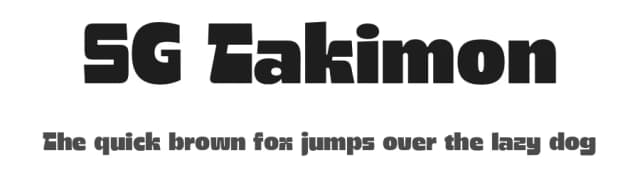
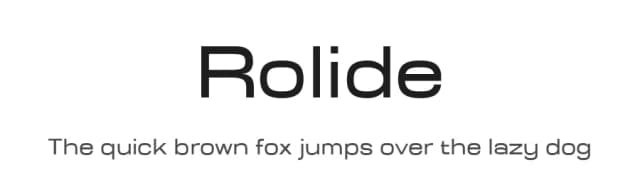
Fonts that look visually alike — matched by our Font Finder model.



Aire Exterior Specifications
| Font Family | Aire Exterior |
| Style | Regular |
| Full Name | Aire Exterior |
| Version | 20190503.02 |
| Weight | 400 (Regular) |
| Glyph Count | 499 glyphs |
| PostScript Name | AireExterior |
| Designer | Jayvee Enaguas (HarvettFox96) |
| Format | TTF (TrueType) |
| File Size | 38.9 KB |
Languages Supported
Aire Exterior supports 340 languages.
How to Install Aire Exterior Font
Step-by-step instructions for every platform
- 1Download the Aire Exterior font file (.ttf or .otf).
- 2Locate the downloaded file in your Downloads folder.
- 3Right-click the font file.
- 4Select "Install" to install for the current user, or "Install for all users" to make it available system-wide.
- 5Aire Exterior is now available in Word, Photoshop, Illustrator, and all other apps.
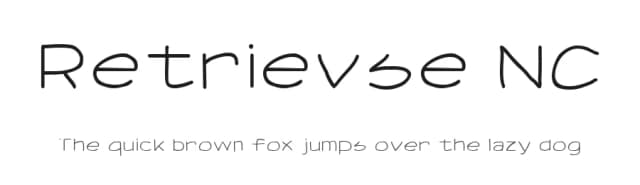
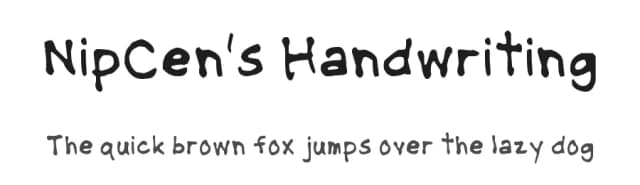
More by Jayvee Enaguas
View all →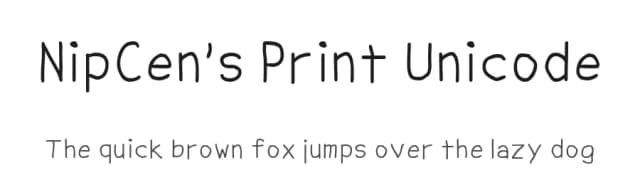

Browse fonts by theme
Curated collections →Saw a font in a picture? Identify any font from an image with our free Font Finder.
More Sans Serif Fonts
Browse all →
What pairs well with Aire Exterior Font?
Aire Exterior Font is a versatile sans-serif font that works for both headings and body text. Pair it with a contrasting serif or slab serif font to add visual interest and a clear distinction between titles and body copy.



Premium Sans Serif Fonts
★ PremiumWant something with more weights, glyphs, and commercial polish? These premium sans serif fonts are worth a look.


Aire Exterior Font
Reviewed by the FontBoxDL team · Updated July 2026
License: Public domain / GPL / OFL