 Firefox
 1 / 8
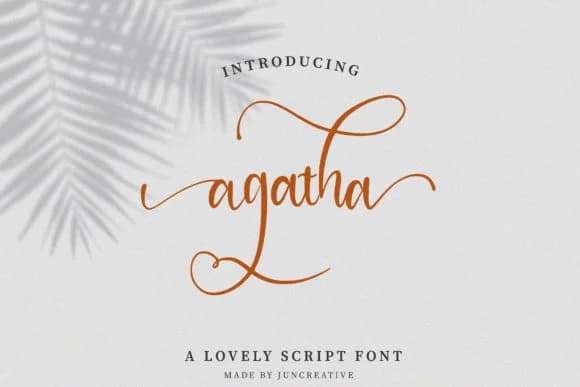
1 / 8About Agatha Font by Juncreative Font
There's genuine refinement in the way this script moves across the page. Agatha Font, created by Juncreative, brings the handwritten warmth of calligraphy without the fragility that makes scripts difficult to work with in real commercial projects.
Wedding invitation suites are where this font truly shines, especially when you're printing across a range of sizes and need the letterforms to hold their character throughout. The same visual approach translates directly to luxury cosmetics packaging, boutique jewelry branding, and sophisticated stationery design where personality makes the real difference between forgettable and memorable. What makes Agatha work across so many contexts is how deliberately the proportions are handled: it functions as a primary display font without overwhelming layouts, yet maintains enough breathing room that it reads easily even at smaller sizes. That's unusually versatile for a script typeface. The hand-drawn quality appeals to clients seeking that organic character, while the underlying polish keeps the work looking high-end rather than amateurish.
Pair this with a clean geometric sans-serif for body copy to create the editorial contrast that luxury brands depend on. Grab Agatha Font on Creative Fabrica and bring it into projects where genuine sophistication matters.
Style & Use Cases
- Overall Style
- Elegant, Flowing
- Use Case
- Invitations, Branding
- Ideal For
- wedding stationery, greeting cards, and signatures
- Pairs With
- a simple uppercase sans
How to Install Agatha Font by Juncreative Font
Step-by-step instructions for every platform
- 1Download the Agatha Font by Juncreative font file (.ttf or .otf).
- 2Locate the downloaded file in your Downloads folder.
- 3Right-click the font file.
- 4Select "Install" to install for the current user, or "Install for all users" to make it available system-wide.
- 5Agatha Font by Juncreative is now available in Word, Photoshop, Illustrator, and all other apps.
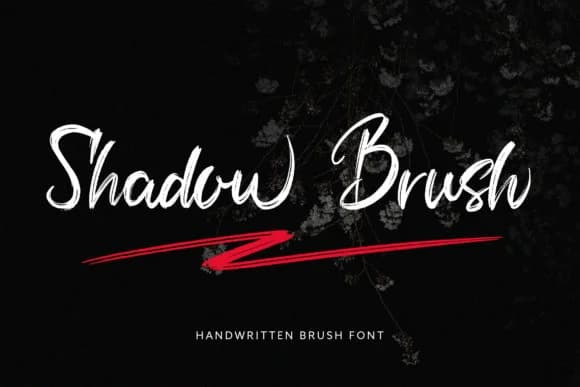
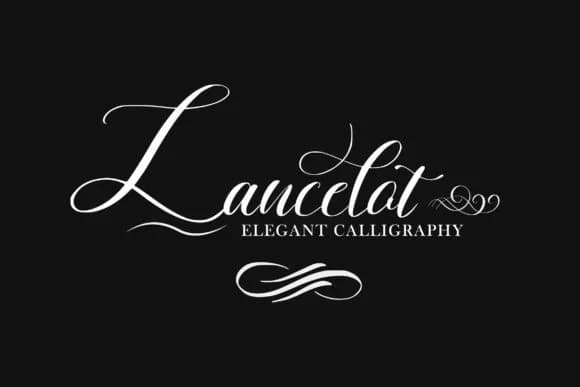
More by Juncreative
View all →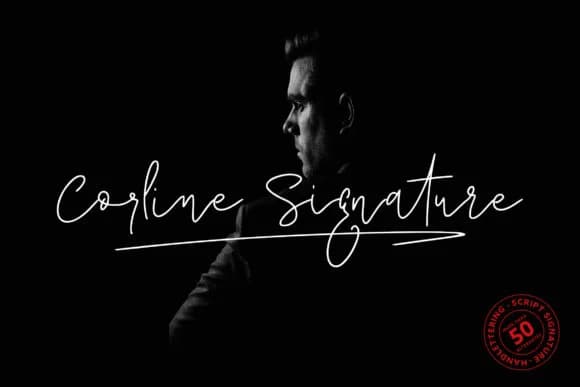
Browse fonts by theme
Curated collections →Saw a font in a picture? Identify any font from an image with our free Font Finder.
More Script Handwritten Fonts
Browse all →







What pairs well with Agatha Font by Juncreative Font?
Agatha Font by Juncreative Font is a script font that shines as a display or heading face. Pair it with a clean sans-serif or serif font for body text — the contrast creates a clear hierarchy while the two styles stay balanced and easy to read.



Agatha Font by Juncreative Font
by Juncreative
Reviewed by the FontBoxDL team · Updated August 2026