 Firefox
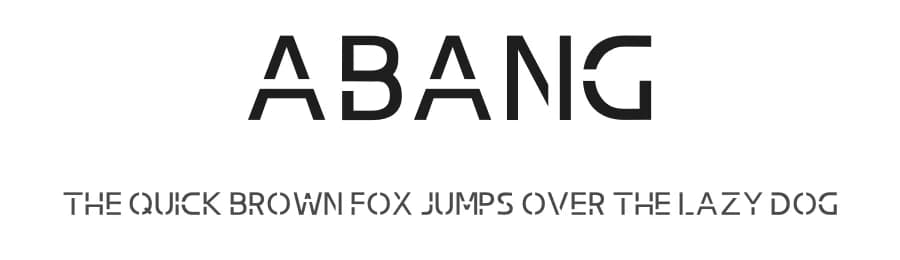 1 / 3
1 / 3Loading font…
About Abang Font
By installing or using this font, you are agree to the Product Usage Agreement:
>> This font is already FULL VERSION and ONLY for PERSONAL USE. NO COMMERCIAL USE ALLOWED!
>> Here is the link to purchase commercial license:
- Official Site :
https://graphicfresh.com/shop/abang-typeface-font/
- For Corporate use you have to purchase Corporate license
- If you need a custom license please contact us at:
[email protected]
>> Don't forget, we also provide several other licenses for this font, like Webfont License, Studio/Business License, Server License, App or Game, Broadcast License, National Corporate License, Wordwide Corporate License. Please contact us:
[email protected]
>> Any donation are very appreciated. Paypal account for donation:
https://paypal.me/graphicfresh
Thanks you,
------------------------------------------
BEST DEALS!
>> THE ULTIMATE FONT BUNDLE :
https://graphicfresh.com/shop/the-ultimate-fonts-bundle/
More...
Limited time!, Grap Now!
------------------------------------------
NB: Untuk pengguna dari Indonesia, tolong dipahami bahwa font ini hanya gratis untuk keperluan pribadi saja.
- Dengan hanya lisensi "Personal Use", DILARANG KERAS menggunakan atau memanfaatkan font ini untuk kepeluan Komersial, baik itu untuk Iklan, Promosi, TV, Film, Video, Motion Graphics, Youtube, Desain kaos distro atau untuk Kemasan Produk (baik Fisik ataupun Digital) atau Media apapun dengan tujuan menghasilkan profit/keuntungan.
- Jika ingin digunakan untuk bisnis atau komersil, maka anda harus membeli versi yang full. Paham!!!!, jika anda tetap ngotot menggunakan untuk keperluan komersil, maka anda harus siap menanggung dan tunduk untuk membayar (Extended License) sejumlah kompensasi yang dibebankan kepada anda. Khusus untuk perusahaan film, tv, studio dan youtuber harus menghubungi kami untuk penggunaan komersil. Silahkan email kami di >>
[email protected]
Terima Kasih :)
Style & Use Cases
- Overall Style
- Clean, Modern, Basic
- Use Case
- Body Text, UI
- Ideal For
- branding, interfaces, and modern layouts
- Pairs With
- a contrasting serif for headings
Similar Fonts
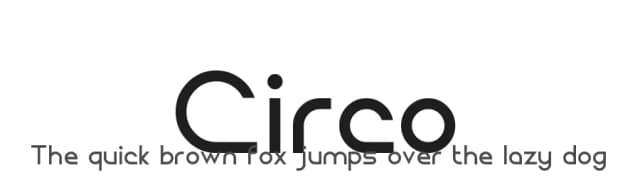
Fonts that look visually alike — matched by our Font Finder model.


Abang Specifications
| Font Family | Abang |
| Style | Regular |
| Full Name | Abang |
| Version | 1.00 |
| Weight | 500 (Medium) |
| Glyph Count | 67 glyphs |
| PostScript Name | Abang-Regular |
| Designer | Haikal - Sameeh Media |
| Format | OTF (CFF) |
| File Size | 7.2 KB |
Languages Supported
Abang supports 89 languages.
How to Install Abang Font
Step-by-step instructions for every platform
- 1Download the Abang font file (.ttf or .otf).
- 2Locate the downloaded file in your Downloads folder.
- 3Right-click the font file.
- 4Select "Install" to install for the current user, or "Install for all users" to make it available system-wide.
- 5Abang is now available in Word, Photoshop, Illustrator, and all other apps.
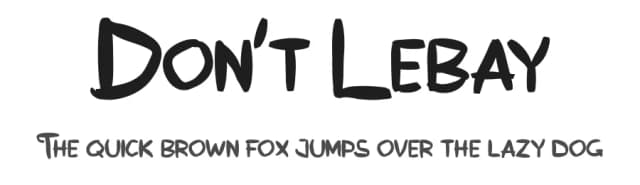
More by Graphicfresh
View all →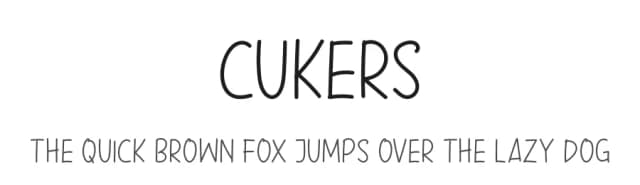
Browse fonts by theme
Curated collections →Saw a font in a picture? Identify any font from an image with our free Font Finder.
More Sans Serif Fonts
Browse all →
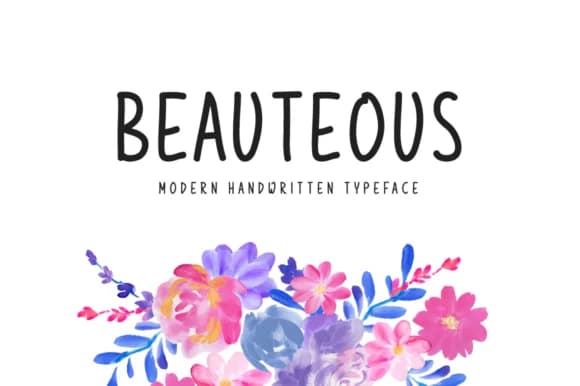
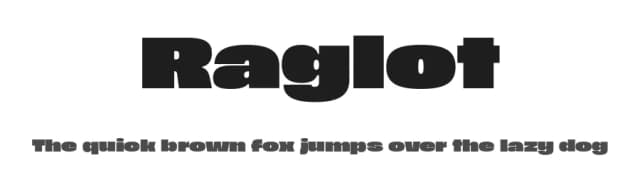
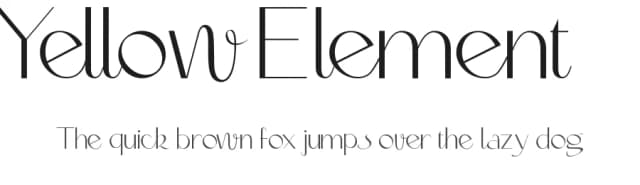
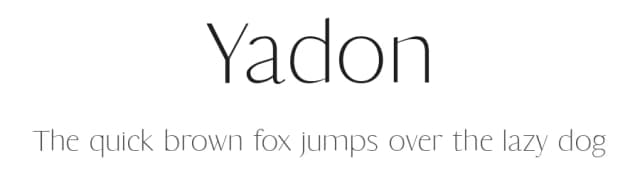
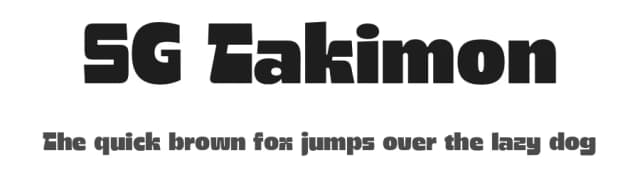
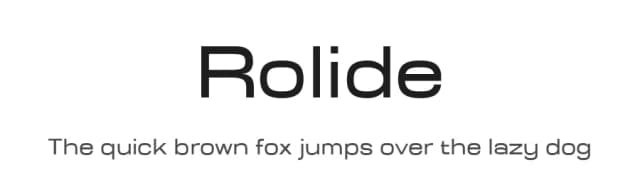
What pairs well with Abang Font?
Abang Font is a versatile sans-serif font that works for both headings and body text. Pair it with a contrasting serif or slab serif font to add visual interest and a clear distinction between titles and body copy.


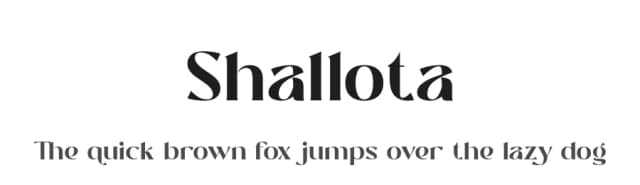

Premium Sans Serif Fonts
★ PremiumWant something with more weights, glyphs, and commercial polish? These premium sans serif fonts are worth a look.


Abang Font
by Graphicfresh
Reviewed by the FontBoxDL team · Updated June 2026
License: Free for personal use