
 1 / 8
1 / 8About Spring Notes Font
Picture yourself building a spring wedding stationery suite, and you reach for a font that arrives fully colored and composition-ready. Spring Notes by Illustration Ink is a full-color SVG typeface delivering pastel lettering with scattered floral details that feel organic, not fussy. The weight sits between chunky sans serif and playful display work, giving it enough heft to anchor layouts while keeping the mood light and bright.
This works particularly well for spring stationery packs, DIY greeting card designs, and seasonal product labels where independent brands or makers want built-in personality. Etsy sellers building shop headers and product imagery find real value in the color treatment already finished and ready to use, which saves time in production. The typeface holds up at large display sizes and pairs well with minimal scripts or stands strong solo. Support across Photoshop, Illustrator, Silhouette, and Inkscape means most designers will find compatibility straightforward with their existing tools.
One limitation: Cricut machines don't support this color format, but if your workflow includes desktop software or Silhouette, there's no friction to work through. Grab it from Creative Fabrica to bring a polished, cheerful character to your seasonal projects.
Style & Use Cases
- Overall Style
- Playful, Vibrant, Full-color Font
- Use Case
- Stickers, Social
- Ideal For
- kids' designs, party graphics, and playful branding
- Pairs With
- a simple rounded sans
How to Install Spring Notes Font
Step-by-step instructions for every platform
- 1Download the Spring Notes font file (.ttf or .otf).
- 2Locate the downloaded file in your Downloads folder.
- 3Right-click the font file.
- 4Select "Install" to install for the current user, or "Install for all users" to make it available system-wide.
- 5Spring Notes is now available in Word, Photoshop, Illustrator, and all other apps.
More by Illustration Ink
View all →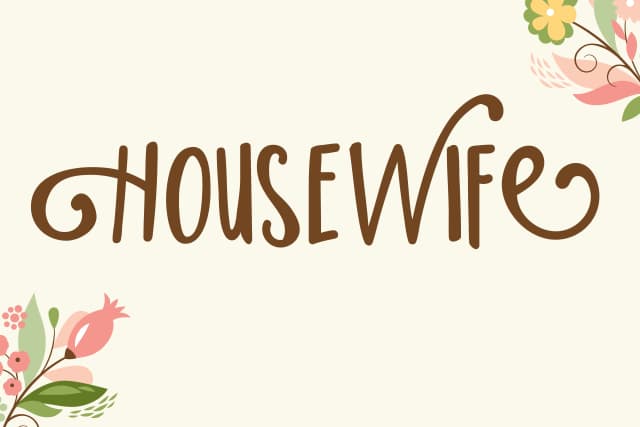
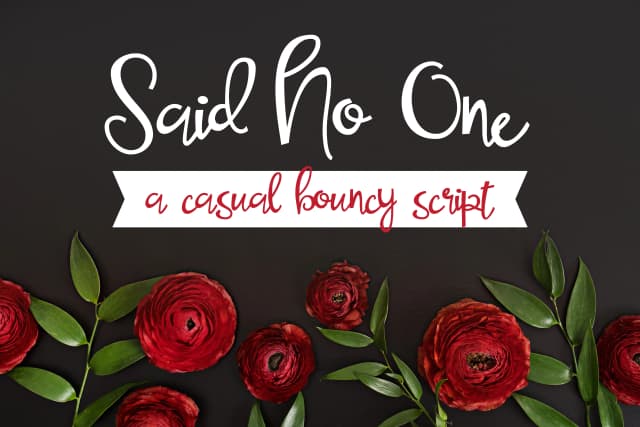
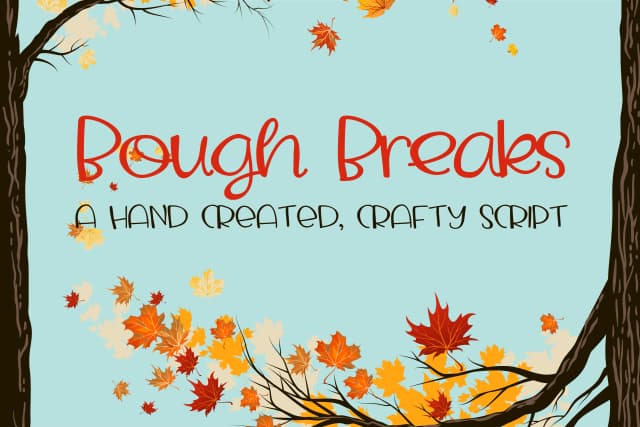
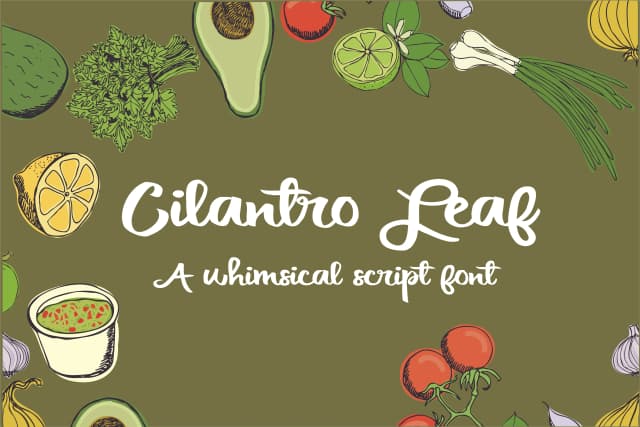
Browse fonts by theme
Curated collections →Saw a font in a picture? Identify any font from an image with our free Font Finder.
More Color Fonts Fonts
Browse all →


What pairs well with Spring Notes Font?
Spring Notes Font is a color font that shines as a display or heading face. Pair it with a clean sans-serif or serif font for body text — the contrast creates a clear hierarchy while the two styles stay balanced and easy to read.



Spring Notes Font
Reviewed by the FontBoxDL team · Updated October 2026