
 1 / 8
1 / 8About Going Green Font
Going Green by Illustration Ink brings playful, full-color letterforms that leap off the screen with Irish-inspired energy and charm. Each letter is rendered in vibrant green and loaded with shamrock details, creating a joyful, youthful aesthetic that feels refreshingly different from standard type. The font includes alternate character variations accessible through your system's character map, allowing you to swap between different letterforms and keep your compositions feeling varied and lively.
The color SVG format makes this ideal for projects where lettering needs to carry its own visual weight without additional layering. Think St. Patrick's Day party invitations, Etsy sticker and mug designs, festive bar or restaurant menus, greeting cards, or even custom gift tags calling for unmistakable Irish green character. The full-color rendering works smoothly in Photoshop, Illustrator, Silhouette, and Inkscape, giving you reliable creative tool support. Important to note: the OTF and TTF files aren't compatible with Cricut, so you'll want to use the SVG version in applications that support it properly.
This font shines for designers and craft enthusiasts seeking that color-built-in, no-layering-needed approach to seasonal and thematic work. If you want lettering that does the heavy visual lifting on its own, Going Green delivers a distinctive charm you won't find in grayscale alternatives. Grab it on Creative Fabrica.
Style & Use Cases
- Overall Style
- Playful, Vibrant, Svg Font
- Use Case
- Stickers, Social
- Ideal For
- kids' designs, party graphics, and playful branding
- Pairs With
- a simple rounded sans
How to Install Going Green Font
Step-by-step instructions for every platform
- 1Download the Going Green font file (.ttf or .otf).
- 2Locate the downloaded file in your Downloads folder.
- 3Right-click the font file.
- 4Select "Install" to install for the current user, or "Install for all users" to make it available system-wide.
- 5Going Green is now available in Word, Photoshop, Illustrator, and all other apps.
More by Illustration Ink
View all →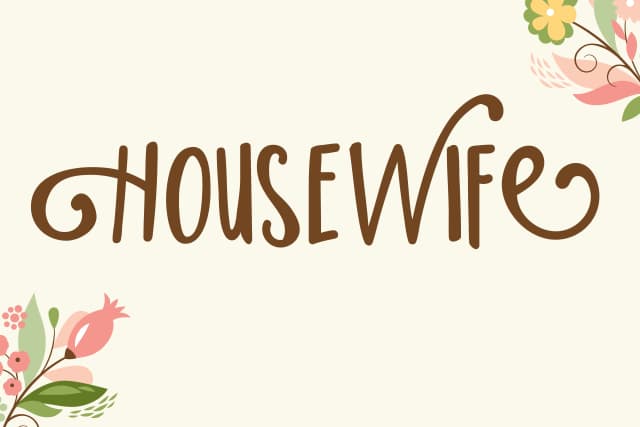
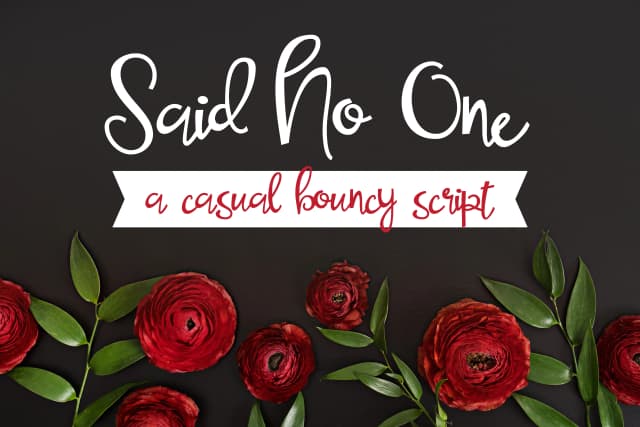
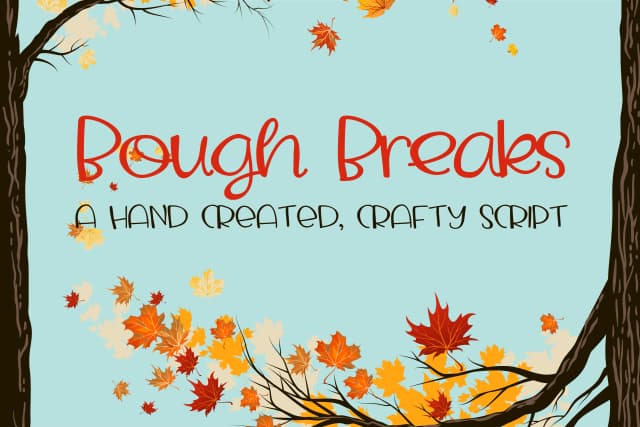
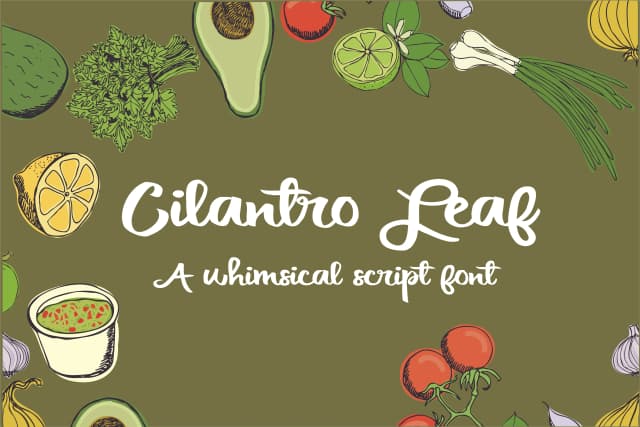
Browse fonts by theme
Curated collections →Saw a font in a picture? Identify any font from an image with our free Font Finder.
More Color Fonts Fonts
Browse all →


What pairs well with Going Green Font?
Going Green Font is a color font that shines as a display or heading face. Pair it with a clean sans-serif or serif font for body text — the contrast creates a clear hierarchy while the two styles stay balanced and easy to read.



Going Green Font
Reviewed by the FontBoxDL team · Updated October 2026